
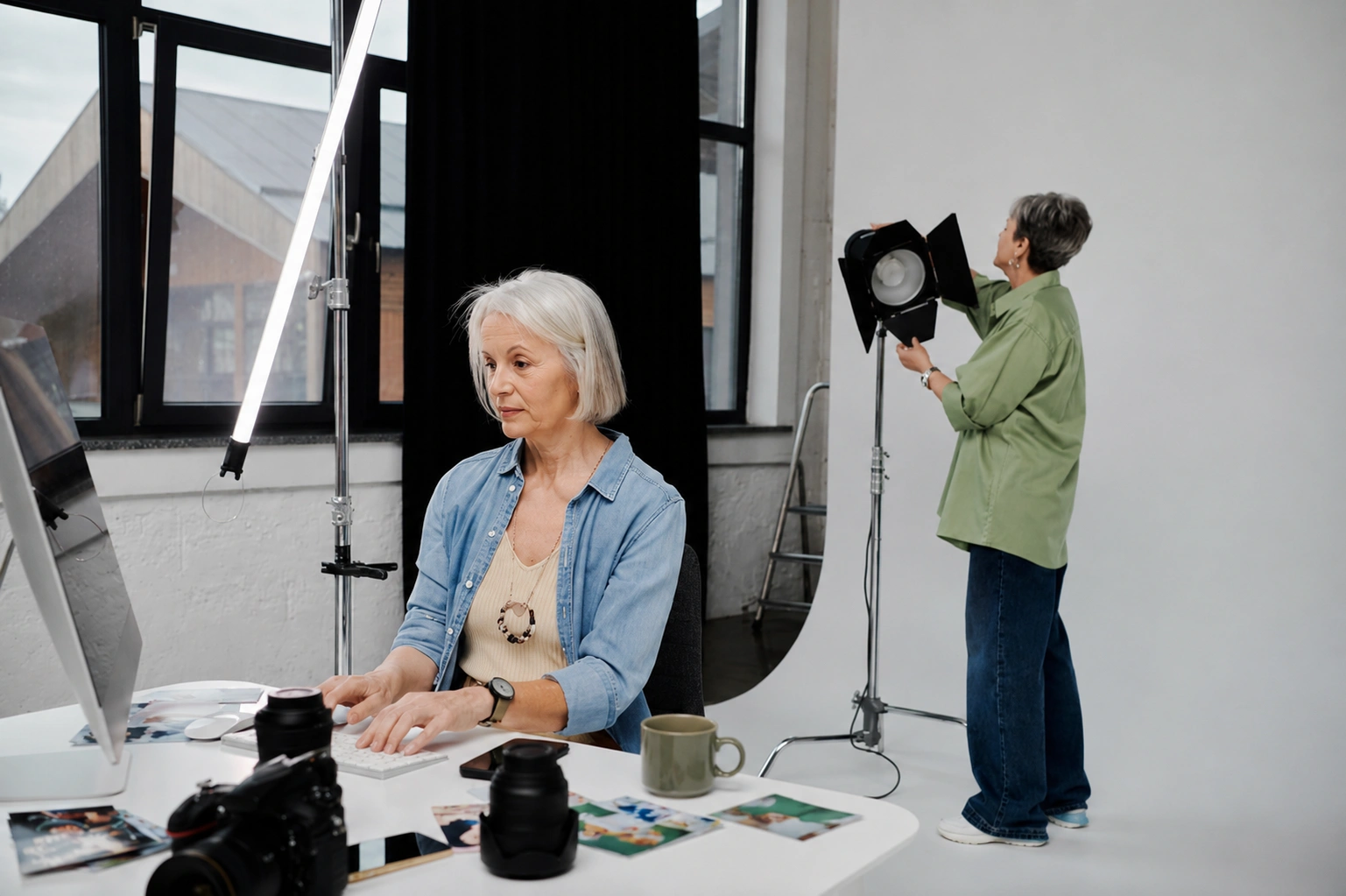
7 Ways Photographers Can Use AI Tools to Enhance Their Portfolios and Workflow

Year after year, photographers debate what makes a photograph good. Some say it’s all about original composition and a compelling narrative, while others believe it comes down to technical skill and perfect quality.
In reality, it’s a combination of creativity and quality that makes an image stand out. And if your photo is missing one of these elements, AI tools can give it the boost it needs.
In this article, we’ll show you how to make the most of AI tools through seven practical examples, from image upscaling to AI photo generation. Read on to discover creative ways to enhance your photos and simplify your workflow.
What AI Tool is Best for Photo Editing?
DepositPhotos offers a comprehensive solution for your photos. Find out why below.
There are many AI-powered image editing tools out there, but few compare to DepositPhotos by VistaPrint. This platform provides unmatched AI editing capabilities, including background removal, image upscaling, and even AI image creation.
For photographers, this means you can simplify time-consuming editing tasks. Whether you need to create a transparent portrait, recover details in old photos, or experiment with new creative directions, DepositPhotos gives you everything in one place.

7 Practical Uses of AI for Modern Photographers
Discover how AI-powered tools can support and enhance a photographer’s creative workflow.
1. Photo Editing Automation
Instead of applying the same preset to every image, photographers can now rely on AI to speed up the editing process. AI-powered tools like Lightroom, Luminar Neo, Capture One, and ON1 Photo RAW make it easy to automate many editing tasks.
Their AI-driven features can automatically analyze and adjust photos, improving exposure, color, contrast, and other essential settings. This frees photographers to focus more on the creative side of their work, such as composition and visual storytelling.
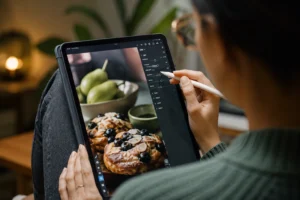
2. AI Photo Generation
AI image generation might sound like an unusual choice for an editing tool, but it can actually be very useful for photographers who want to refresh their digital portfolios and keep up with current creative or photography trends.
In a recent creative report, DepositPhotos predicts that semi-generated realism will trend in 2026. Their Authentically Artificial trend focuses on blending real-life photography with AI-generated elements.
As a photographer, you can achieve this aesthetic by combining generative AI with your own shots. Simply upload an image to DepositPhotos AI Image Generator and experiment with adding new elements to create something fresh and authentic.
3. Automated Background Removal
AI-powered background removal is one of the most sought-after tools among photographers. This technology analyzes the image and automatically isolates the subject from the background with impressive precision.
You can separate people, animals, and objects from their surroundings in just one click. Whether you need a transparent image for a presentation, collage, or product photo, this AI tool can save you hours of manual editing.
Tools like the DepositPhotos Background Remover give you full control over the final result. With a customizable brush, you can remove or restore details wherever needed, ensuring the image matches your vision.
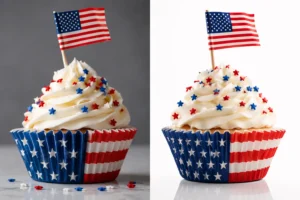
4. Intelligent Background Extension
Almost every photographer has felt the frustration of trying to make a horizontal photo work vertically, and vice versa. While cropping a horizontal photograph is relatively easy, extending it can be a real challenge.
Intelligent background extension helps solve this problem. With AI tools like Pixelcut and AirBrush, you can expand any photo with a single click. Just choose a standard aspect ratio or set a custom size, and let the AI take care of the rest.
This technology also works well with AI-generated images. You can expand an AI-based scene or portrait to fit different dimensions, or simply use it as creative inspiration for your next projects.
5. One-click Object Removal
Object removal is an essential part of professional image enhancement. It can improve the composition of a photo by eliminating unwanted objects, distracting elements, or imperfections in the background.
Modern AI tools make this process faster than ever. With just one click, you can erase an object and restore the background so the photo looks clean and natural. This works for people, animals, props, text, logos, stains, and even reflections.
You can find an object removal tool in Google Photos, Pixlr, Photoroom, Photoshop, and VSCO. Simply use a brush or outline the object you want to remove, and the AI will automatically detect and erase it for you.
6. Smart Image Upscaling
Another common challenge for photographers is handling low-resolution images that lose quality when enlarged. They become blurred or pixelated and often develop visible artifacts, which are unacceptable for print projects and high-resolution platforms.
Smart image upscaling offers a solution by adding missing pixels to pictures. This technology uses algorithms to analyze image content and fill in the gaps, resulting in a clearer, higher-resolution photo.
If you want to enlarge photos while preserving details, try the DepositPhotos Image Upscaler. It increases images to twice their size without losing quality—and it’s completely free and easy to use.
7. Ai-powered People Modification
Photo editing has advanced to the point where photographers can change people’s facial features, from skin texture and makeup to hair and even age. What used to take hours of work can now be done with just a few clicks or swipes.
AI-based tools like FaceApp and Facetune let users change a person’s hairstyle, adjust hair volume, add makeup, even out skin tone, and remove blemishes. Photoshop’s Neural Filters offer even more retouching options, such as reducing freckles, minimizing scars, and fading tattoos.
DepositPhotos’ AI Image Editor goes even further with its Face Modifier tool. It can adjust characteristics such as age, ethnicity, facial hair, teeth, and facial expression. However, these edits are currently limited to DepositPhotos’ own stock images.
Bottom Line
While AI can’t replace a photographer’s eye and creativity, it can definitely simplify their job. From enhancing quality to experimenting with AI photo generation, these tools help you get more out of every image. Used thoughtfully, AI becomes a powerful way to support your workflow and bring your creative vision to life.
Author Profile

- Blogger by Passion | Contributor to many Business and Marketing Blogs in the United Kingdom | Fascinated with SEO and digital marketing and latest tech innovations |
Latest entries
 TechnologySeptember 10, 2026Is Generative AI the iGaming Game-Changer of 2026?
 TechnologySeptember 1, 202621 Best QR Code Generators Reviewed & Ranked by Features & Pricing
 Digital MarketingAugust 29, 2026How to Start a Profitable Digital Marketing Business in 2026?
 Search Engine OptimizationAugust 4, 2026Why Comparison Pages Dominate Search Results?