
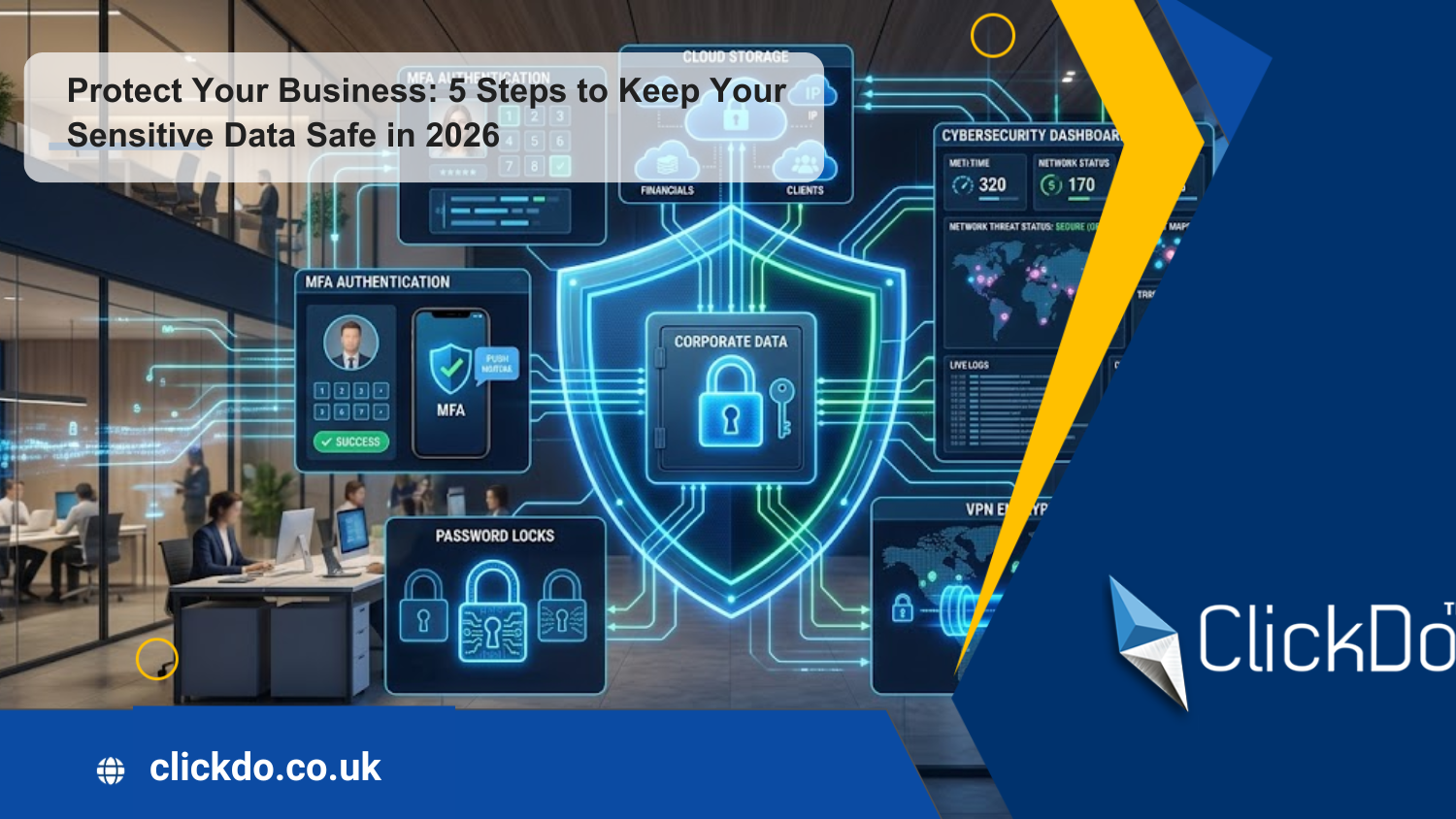
Protect Your Business: 5 Steps to Keep Your Sensitive Data Safe in 2026

Table of Contents
Data breaches are one of the downsides of running a business online and happen to companies of all sizes every day.
Due to the rise of AI-powered threats and the use of targeted, automated tools, your company must take cybersecurity seriously.
If you are worried about your critical information being compromised, you must introduce tools and techniques to protect it.
Here are five steps to keep your sensitive data safe in 2026.
Step 1: Backup Your Data
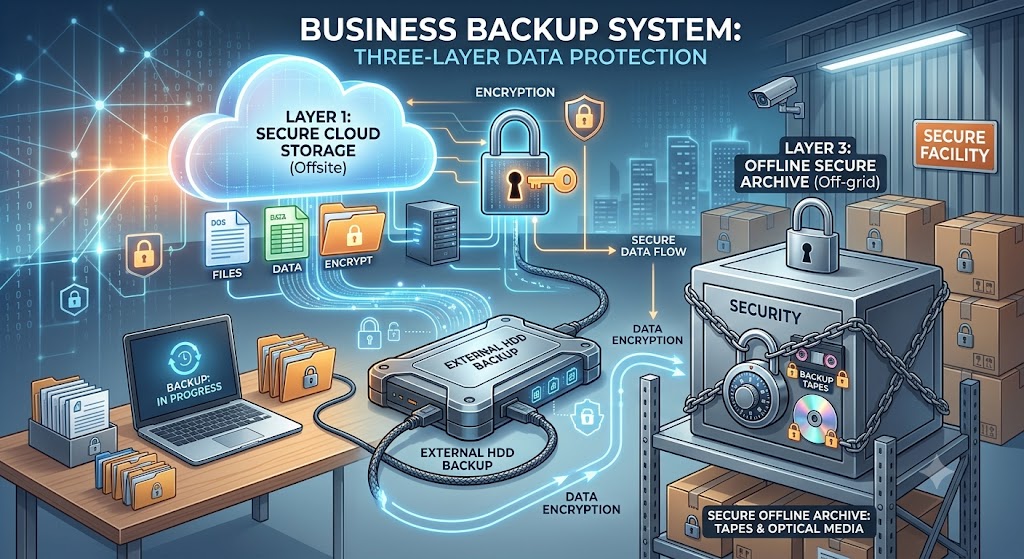
Cyberattacks are a realistic threat to companies of every size and across all industries. Unfortunately, a ransomware attack could cause your business to lose its sensitive data, resulting in its operations grinding to a halt and leading to legal, reputational, and financial damage.
Prevent the worst from happening by creating three copies of your data. Save one copy in the cloud, add one to an external hard drive, and keep one copy off-site. For example, you could use a business storage London unit to securely store physical copies of your company’s sensitive information, such as tax returns, financial statements, client contracts, payroll records, and legal documents.
Step 2: Use a Password Manager
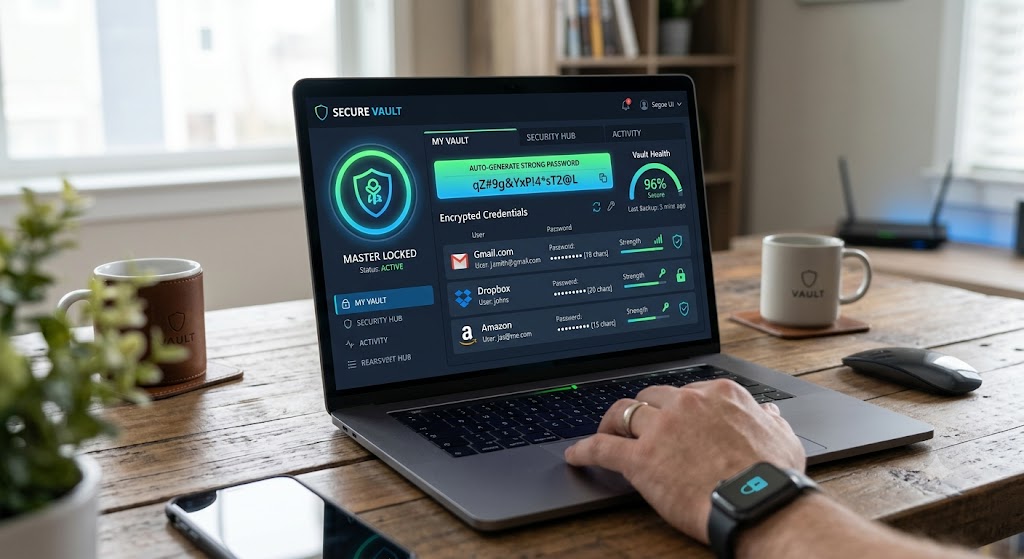
Despite your best attempts to create a safe and secure business, your employees might be guilty of reusing passwords. It’s a small mistake that can cause serious repercussions, as it could allow hackers to break into your network and steal your valuable data.
For this reason, you and your team must use a password manager to create unique passwords for various sites and platforms. It securely stores the complex passwords, and all you will need to remember is the master password to access the handy tool.
Step 3: Automate Security Patch Updates
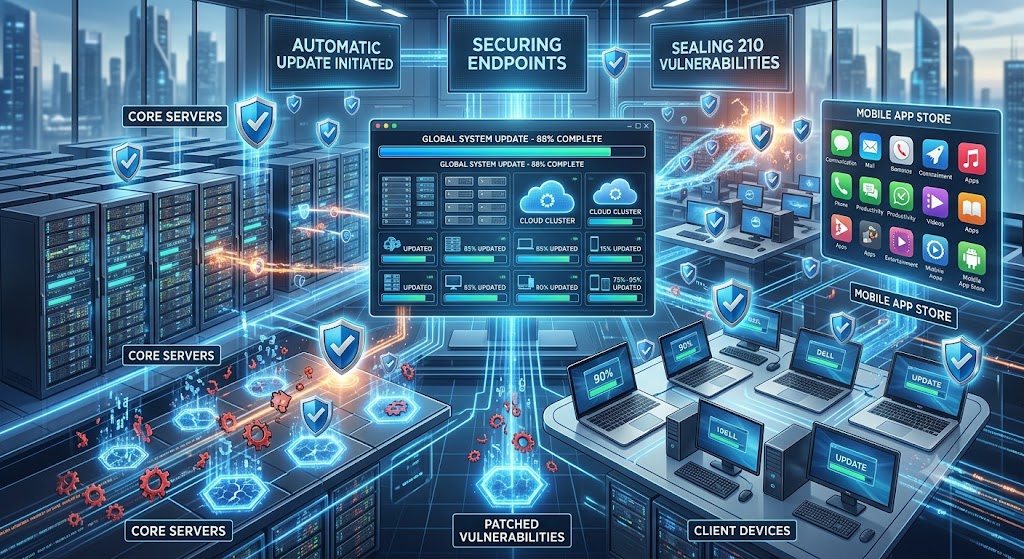
Most people have ignored a security patch at least once in their lives. Yet, it could cause vulnerabilities across a network, as the weak spot could serve as an open door to a hacker. Cybercriminals are experts at finding flaws in software, increasing your business’s risk of a Zero-Day, ransomware, or malware attack.
Keep your company safe by enabling automatic updates of all security updates on your devices and apps. It instantly fixes software flaws to keep cybercriminals at bay and allows you to focus on other important tasks apart from cybersecurity.
Step 4: Turn on a VPN for Public Wi-Fi
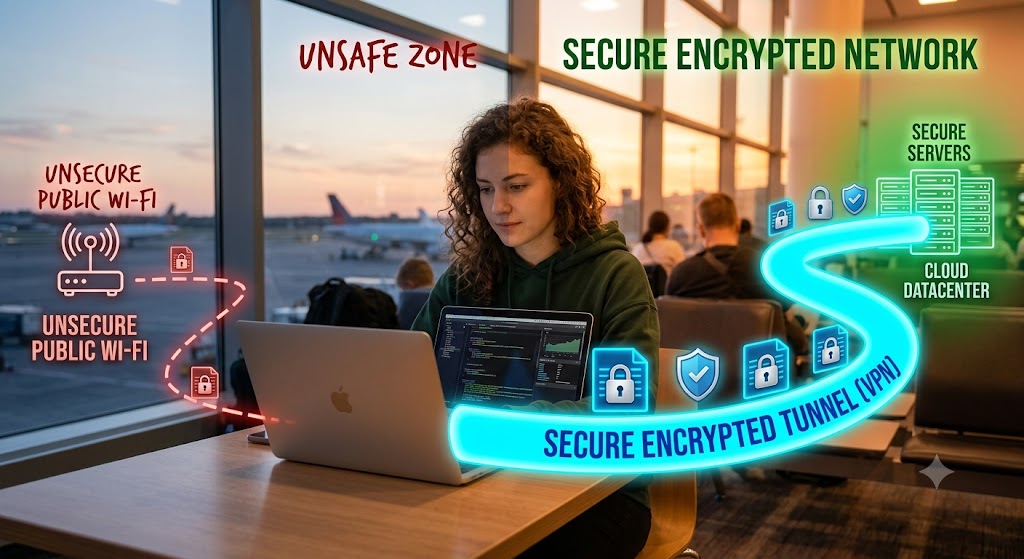
If you often sign in to public Wi-Fi at an airport, hotel, or café, you must encrypt your data to prevent sensitive information from falling into the wrong hands. To do so, you must turn on a virtual private network (VPN), as it creates an encrypted tunnel for all internet traffic. This ensures that a hacker sees only unreadable code if you unwittingly connect to a rogue network.
Step 5: Introduce Multi-Factor Authentication
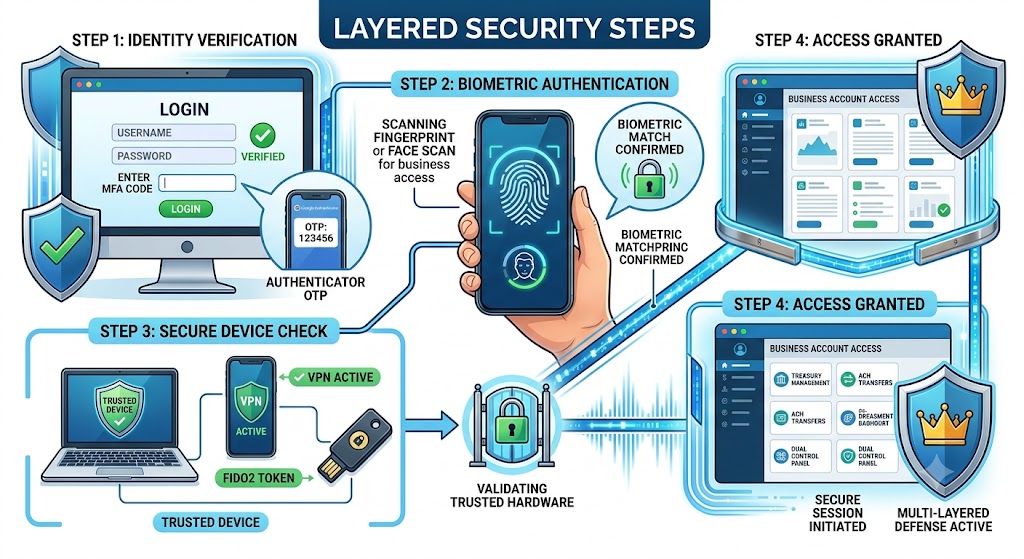
Stop hackers from gaining access to your websites and apps by introducing multi-factor authentication (MFA). It provides peace of mind that a cybercriminal cannot access an account, even if they have stolen your password, as they’ll need the secondary code sent to an authenticator app or specific hardware.
Equipped with the above insights, you should be in a better position to protect your business data, but ensure to have a formal data-protection complaints process in place as per the recent ICO guidance so you comply with the latest legal requirements.
Author Profile

- Passionate content creator, contributor, freelance writer and content marketing allrounder.
Latest entries
 Business TipsSeptember 23, 2026How to Write a Product Requirements Document (PRD)
 Business TipsJune 25, 2026Protect Your Business: 5 Steps to Keep Your Sensitive Data Safe in 2026
 Business NewsFebruary 4, 20266 Ways UK Businesses Can Cut Logistics Costs Without Compromising Delivery Speed
 Business NewsNovember 14, 2025How Emerging Markets Shape the Next Wave of Online Gaming Growth