
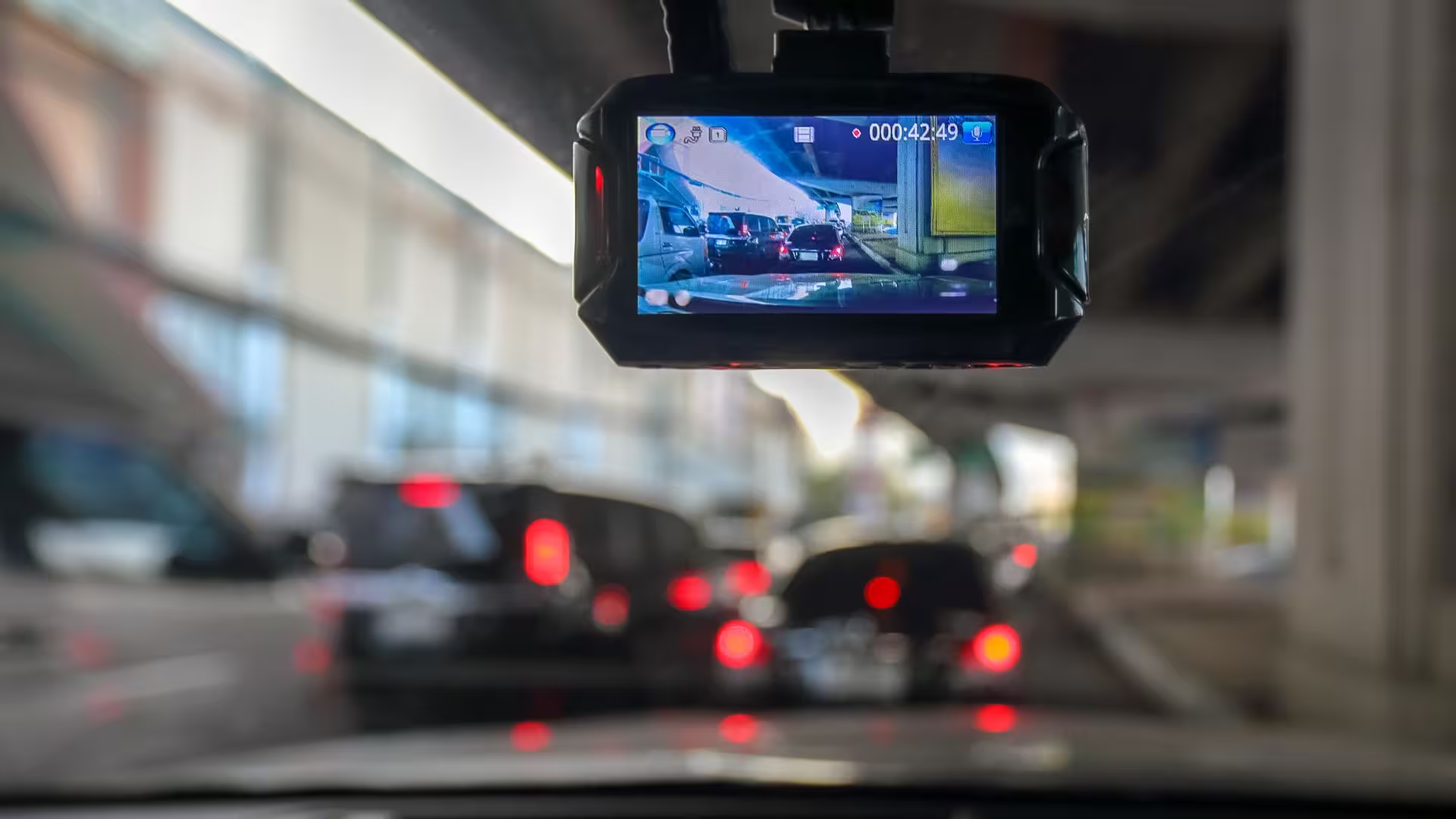
Create Realistic Driving Videos from Dashcam Footage

By Ryan Bradman
A single dashcam still, a quiet highway stretching toward the horizon or city lights blurring past at night, already carries a lot of cinematic potential sitting unused in a photo folder.
Try it free on Dreamina’s video generator, and you’ll see how quickly that one frozen frame can become a smooth, genuinely convincing driving sequence worth sharing, no actual hours behind the wheel with a camera rolling required.
Dreamina, powered by its advanced models like Seedance 2.5, is genuinely capable of turning a single road photo into fluid, believable driving motion. Here’s how to build a sequence that actually feels like real footage.
Why Driving Footage Depends So Heavily on Consistent Motion?
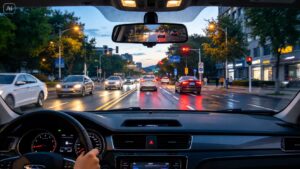
Unlike many other video concepts, driving content lives or dies on physically believable, continuous movement, the road surface passing steadily, scenery shifting at a consistent speed, lane markings flowing naturally. Any inconsistency in this motion immediately breaks the illusion of real travel.
Choosing a Starting Photo With Genuine Depth and Perspective
The strongest road photos for this technique share a few visual qualities:
- A clear vanishing point where the road recedes into the distance
- Visible road texture and lane markings for motion reference
- Consistent, even lighting across the whole scene
- Minimal obstruction directly in the foreground
Describing Speed and Environment Together
A convincing drive depends on matching visual speed to the described environment, a slow, winding mountain road moves differently than an open highway at full speed. Being specific about both pacing and surroundings gives the generation a clearer physical logic to follow.
Your 3-Step Road Reveal With Dreamina
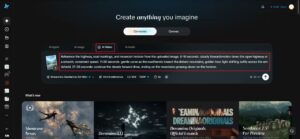
Step 1: Upload reference image and write corresponding prompt
Visit Dreamina, sign in, and head to the AI Video section. Click “Add reference image” to upload your dashcam-style road photo, then write a prompt describing the driving motion and environment.
A strong 30-second sample prompt might read: Reference the highway, road markings, and mountain horizon from the uploaded image. 0-10 seconds: steady forward motion down the open highway at a smooth, consistent speed. 11-20 seconds: gentle curve as the road bends toward the distant mountains, golden hour light shifting softly across the windshield. 21-30 seconds: continue the steady forward drive, ending on the mountains growing closer on the horizon.
Describing the road’s path and lighting changes together keeps the motion feeling physically grounded.
Step 2: Generate your video
After adding your image and prompt, choose the Seedance 2.5 model for generation. Next, choose your video length, then a suitable aspect ratio; 16:9 suits a YouTube travel or road trip video, while 9:16 works well for short-form driving content on TikTok or Instagram. Finally, click Dreamina’s icon and wait a few seconds for processing.

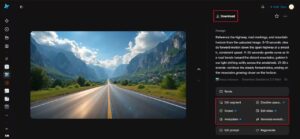
Step 3: Enhance & export the video
Polish your clip before saving it using Dreamina’s AI editing tools. Use advanced tools like Upscale for sharper road and scenery detail, or Generate Soundtrack to add ambient driving music or engine atmosphere. Finally, export and share it across your travel or automotive content channels.
Extending a Single Drive Into a Longer Journey
Once one road segment generates well, connecting several different road photos- highway, mountain pass, coastal route, into one continuous sequence builds a genuinely immersive longer journey, rather than a single isolated clip.
How Seedance 2.5 Handles Continuous Motion Well
Seedance 2.5’s improved video extension quality is particularly valuable for driving content specifically, since it reduces the cumulative visual error that used to build up across repeated extensions, keeping a longer road sequence looking smooth and consistent rather than degrading the further it stretches.
Its camera and spatial perspective modification also allows fine control over how the road curves or the horizon shifts, giving driving footage a genuinely dynamic, three-dimensional feel rather than a flat, sliding background.
Matching Weather and Time of Day for Authenticity
Describing specific atmospheric conditions, golden hour warmth, overcast gray skies, rain-slicked pavement reflecting city lights, adds a layer of believability that a generic, undefined lighting description simply can’t match.
Adding Interior Context for a More Immersive Feel
Including a glimpse of a dashboard edge or steering wheel at the frame’s lower border, even subtly, reinforces the dashcam perspective and makes the footage feel genuinely captured from inside a moving vehicle rather than a detached aerial view.

Where Realistic Driving Footage Finds Real Use
This kind of road-travel content serves several practical and creative purposes:
- Travel vlogging and road trip content creation
- Automotive brand marketing and vehicle showcase videos
- Relaxing ambient driving content for background viewing
- Driving simulator and gaming promotional material
Avoiding Motion That Feels Mechanically Repetitive
A convincing drive should include subtle, natural variation, a slight camera sway, gentle changes in scenery pace, rather than perfectly uniform, robotic movement from start to finish. Describing small, believable imperfections in your prompt keeps the footage feeling like real driving rather than an obviously looped animation.
Final thoughts
A single road photo holds more cinematic potential than it seems, and it’s genuinely worth trying it free to watch that stillness turn into a smooth, believable drive. With Dreamina and its advanced Seedance 2.5 video generation model, that open highway or winding mountain road comes alive with real physical consistency.
Choose a photo with strong depth and perspective, describe your speed and environment with real intention, and let Dreamina take that still frame the rest of the way down the road.
Author Profile
- Guest Blogger & Outreach Expert - Interested in Writing Blogs, Articles in Business Niche | News Journalist By Profession in the United Kingdom
Latest entries
 BusinessOctober 20, 2026Maximising High-Impact Signage for UK Events in 2026
 BusinessOctober 17, 2026Why Investors Ignore Your Deck: What They Mark Down Before the First Meeting
 TechnologyOctober 16, 2026Create Realistic Driving Videos from Dashcam Footage
 BusinessSeptember 15, 2026Why Small Business Insurance Is No Longer Optional in 2026?