
Are Flash Drives Safe for Business File Backups?
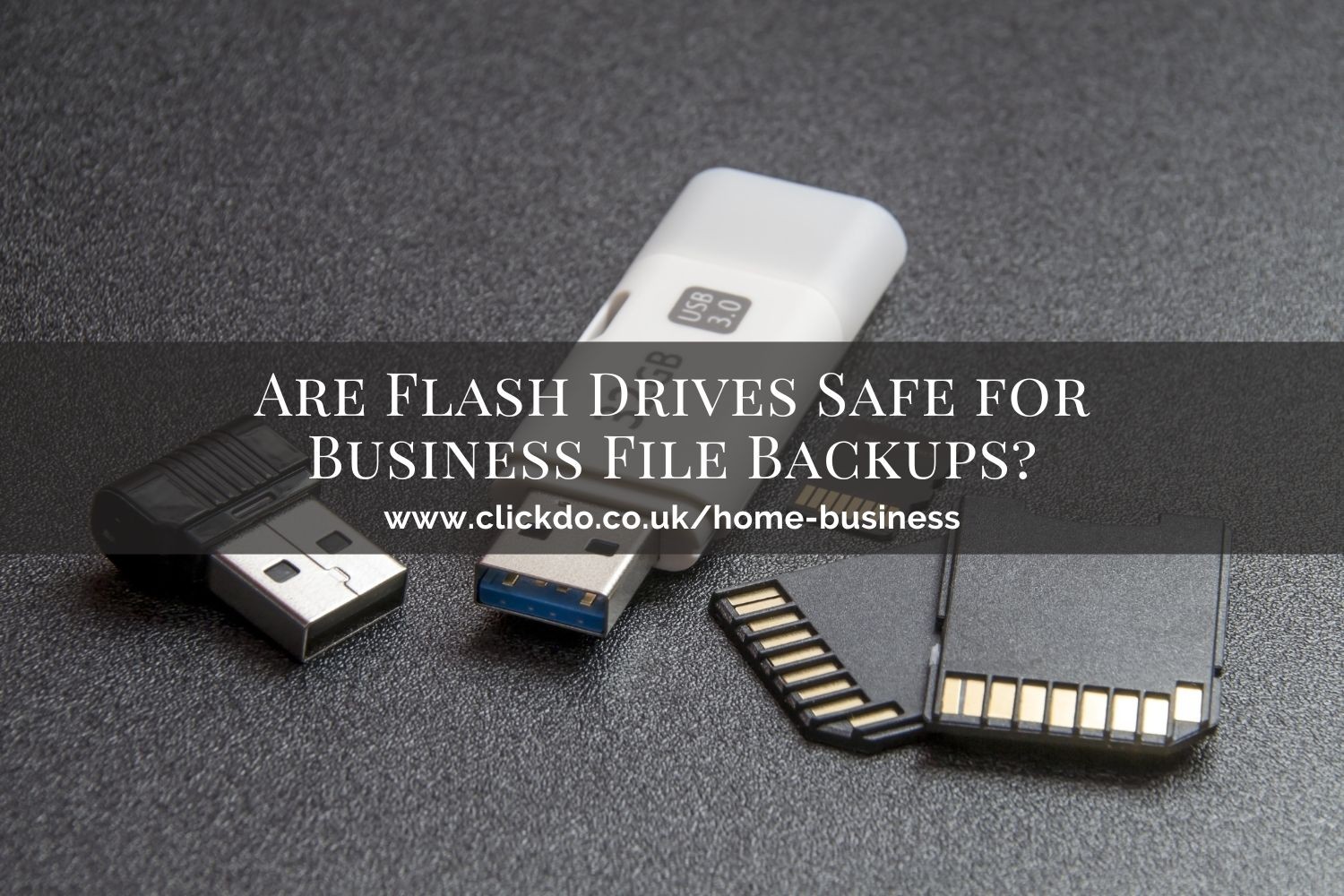
A flash drive is the first thing that comes to mind when you consider backing up your business data.
After all, it’s the go-to solution because it’s affordable, has plenty of storage, and makes sense because it’s right next to your computer.
Plus, the recent upgrades on the flash drive memory protocols, such as the 3D NAND, have led to faster data transfers and processing speeds.
Is a Flash Drive a Reliable Backup for Your Business?

While a flash disk is convenient and compatible with many business applications, it also carries some risks.
If you’re planning to use a flash drive as a backup for your business, here are some risks to consider:
The Threat of Malware
 You can program a flash drive to gain access to its content and spread malware to any connected device. This means it’s easy and quick to infect all the drives in your network by programming it to run a virus-infecting program on a computer. Once you install the malware, anyone can access your files, edit them, or disable your computer.
Loss of Data
 Most flash drives don’t have encryption, which is a significant problem when it gets stolen or lost. Your sensitive business information will be at risk, so you must focus on how you use USB drives and put cybersecurity rules in place that restrict storing and transferring information using unencrypted flash drives.
Device Failure
While a flash drive is convenient and low-cost, it’s highly risky because it has a short lifespan if you don’t properly take care of it and are prone to failure without warning. You can imagine the loss of data if your USB drive fails, and you haven’t backed up crucial files and data as part of your data management procedure.
How to Ensure the Safety of Your Data on a Flash Drive
Although there is no guaranteed way to protect your business from the risks of the flash drive, you can use different measures to mitigate these risks and prevent the loss of sensitive data and ensure it is protected.
The following are some of the strategies you can employ in your business:
1. Invest in a Flash Drive with a Hardware Encryption
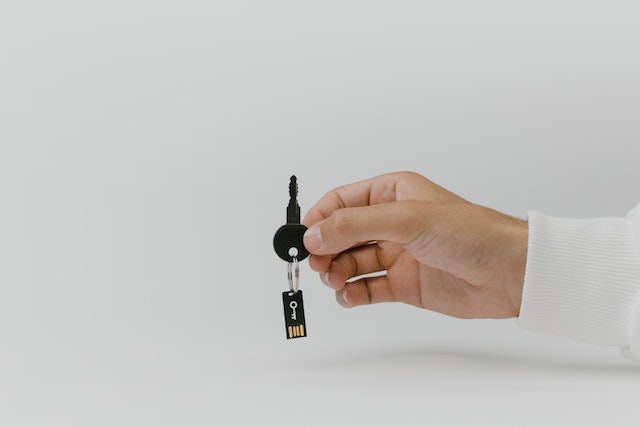
 An encrypted flash drive is a simple and effective way to protect your business data. It offers an extra layer of protection and prevents unauthorised access to your information since they will need a key or a password for authentication. An encrypted USB drive is the best solution for storing and transferring data without risking the security of your files.
2. Monitor the Usage of Your Flash Drives
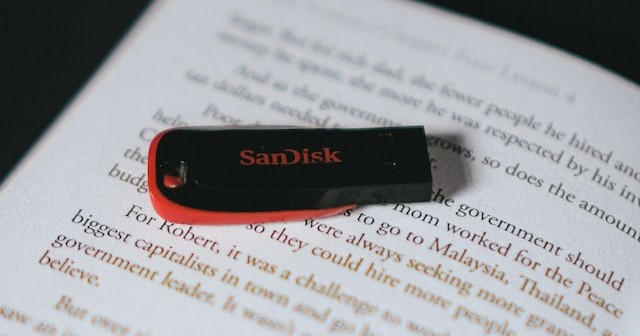
As long as you properly take care of your flash drive, it will serve you for a long time since they are highly durable and robust. But it is prone to wear and tear after continuously using it because it can only sustain a limited number of write cycles before it becomes worn out. If your flash drive is weak, your computer cannot read it.
Sometimes it may be hard to know if your USB drive is running low on write cycles but look out for missing data you cannot add or retrieve from the USB and when you cannot read the flash drive.
3. Continuously Update Your Computer’s Software

Updating your computer’s software, such as malware and anti-virus may not be your favorite task, but it’s vital for your computer’s security as it protects your computer from potential threats. It’s easy to ignore updating the software, but you’re making your computer vulnerable to harmful viruses and malware.
Generally, most software applications and operating systems have an automatic update, but you must confirm that everything is in order. Otherwise, a flash drive potentially carries viruses, and plugging it into a computer that’s not up to date may result in deleted files, corrupted data, or cause your system to freeze.
4. Avoid Editing Files Directly on Flash Drives

One of the most important things to remember when using your flash drive is to avoid editing files while connected to a computer. If you need to make any changes to a saved file, simply unplug the USB drive, make a copy on your computer and edit it. Once complete, you can copy the file onto the flash drive.
When saving your files, you should also follow the same rule and stop casually saving your files directly on the USB device. You will reduce the lifespan of the USB drive by consuming more than the limited reads and writes the flash drive can handle.
5. Unplug the USB Drive When Not in Use
 Well, if you don’t unplug your flash drive from your computer when not in use, it wears out. Your USB drive stops working when you leave it on your computer because the operating system continues to write on it until the drive wears out. The flash drive has a specific number of cycles, and once they run out, your data will be corrupted or lost.
So, the next time you’re using your flash drive, remember to unplug it once you complete the job to extend the lifespan of your drive.
6. Regularly Backup Your Flash Drive
The safety of your data depends on backing it up with a reliable storage solution. Despite that, your business data is at risk of damage, corruption, or theft. Adding an extra backup protects your valuable files from theft or loss if the initial backup fails and corrupts the files or the flash drive.
The trick to protecting your data is having your files stored in different locations. You may use the classic 3-2-1 backup rule that suggests having three copies of your files in two other formats and keeping one of the copies in an offsite location.
The Bottom Line
Flash drives are the best storage option; you can easily access your files with a compatible computer. But the USB drive is prone to malware, data loss, or unexpected device failure. However, these six strategies will help your business navigate the safety of your files when using a flash drive as a backup and prevent data security issues.