
Best Web Hosting Control Panel To Host WordPress Blogs & Websites


If you are looking for the best web hosting control panel to easily host domains and start a blog or your own websites, SeekaHost has created the best hosting control panel.
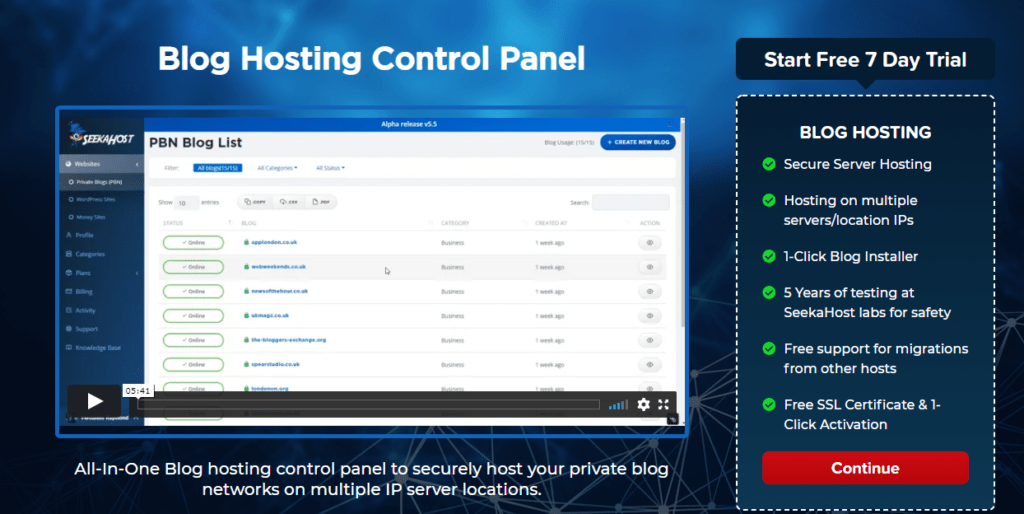
There are many web hosting companies in the UK giving a control panel to host sites of their clients and many uses cPanel and Plesk and overcharge to match up and make a profit while providing the old school control panel.
I know this first hand because we’ve used cPanel and they increase prices drastically and SeekaHost has incurred the cost as this due to Covid19 customer were hesitant to pay more. It was very bad that they increase prices like and it made losses for hosts. In a way, this leads to me our developers at ClickDo build the world’s best web hosting control panel to host WordPress blogs.
Everything that happens we find a way and now SeekaHosters gives the Blog hosting site with a control panel that’s not only easy to use but also can host a WordPress blog site and get online in less than 60 seconds.

What is Web Hosting Control Panel?
This is a panel with a dashboard that gives you the tools to host a domain with a websites hosting service and get online.
The hosting control panel also provides other tools like installation, plugins, domain registration, website data trackers and many more.
More the options sometimes make the loading of a site slower. And that’s why on SeekaHost blog hosting control panel you will only see the most needed tools to easily and quickly host a domain and build a blog or new website from scratch.
You can read about what is a blog hosting control panel.
What’s important when choosing a site Hosting Control Panel?
- Easy to use
- Speed of loading
- Less complexity
- One-Click Installers
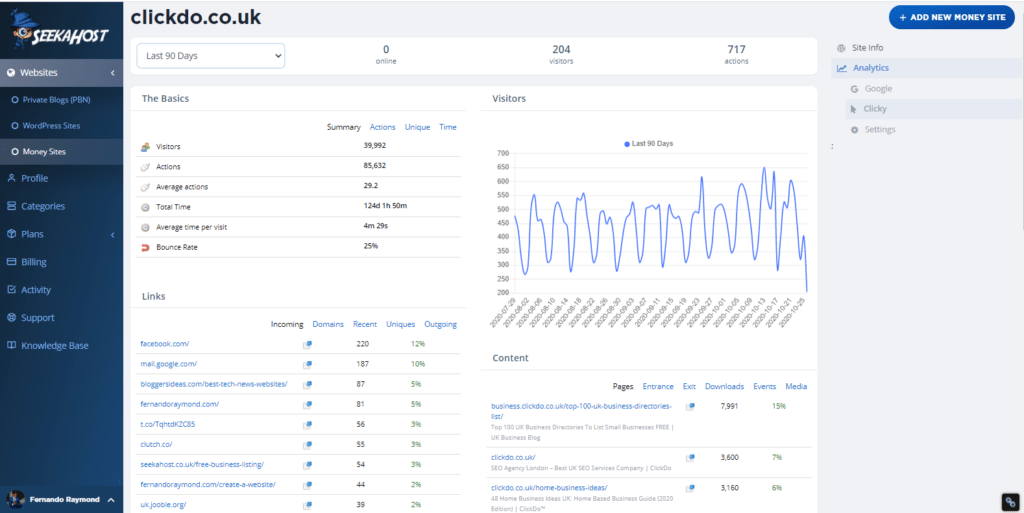
- Site data trackers – Analytics
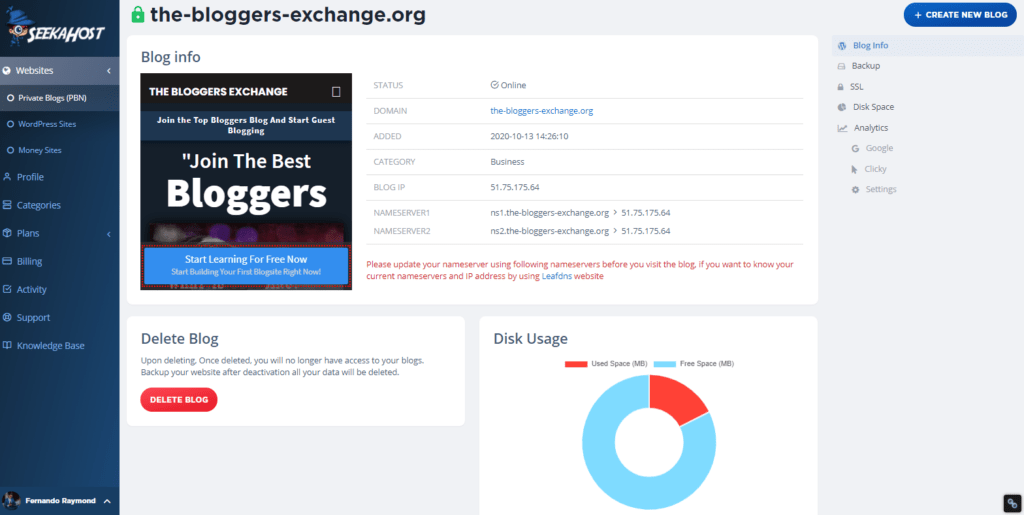
- Disk space usage monitors
- Knowledgebase and support
- Live chat support
Above are the most important factors to consider when buying hosting that gives a web hosting control panel.
As I mentioned there are many panels and using old school panels like cPanel can only slower your site.
In that way, Plesk is a much better and cheaper option. However not as easy and simple to use like the SeekaHost web blog hosting control panel.
You can signup to and test the free to use the control panel at www.seekahost.app and I would like to hear your feedback about it.
If you are looking for a demo or call back to get explained about the WHCP you can send us an email or request a call back from SeekaHost and one fo the technical specialist will arrange a Zoom session and show how to host domains, install WP and get blogs and websites online in less than 60 seconds.
Author Profile

-
I'm the CEO of ClickDo Ltd. and SeekaHost UK - I help the business grow online with latest SEO services & digital marketing strategies. You can find my guest blogs on the UK business Blog as well as on our my guest blogs on the UK Tech Blog
. More details about me can be found on this page.
Latest entries
 Domains NamesJuly 15, 2026Managed WordPress Hosting with Cloud Web Hosting Platform: Why We WebsiteHosting.app at ClickDo
 EntrepreneurshipJune 17, 2026SeekaHost Technologies Launches DirectDine — the All-in-One, Commission-Free Restaurant Platform Built for the UK Hospitality Industry
 Business TipsMay 31, 2026The Experience Economy Is Exploding: Why Human Connection Is Becoming the Most Valuable Asset in the AI Era
 Digital MarketingMay 1, 2026How German Businesses Can Win UK Customers with Digital Marketing, SEO & PR